
How to create a new One to One Meeting?
First, please go to Main Menu, under Press events - meeting tasks, click on New One to One meeting.
- Select your customer
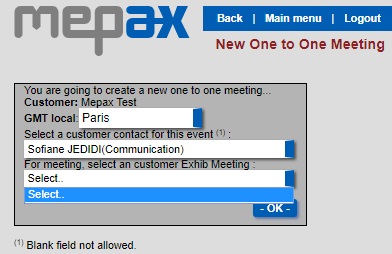
- In the case of an Exhibition meeting you have to create a customer exhib Meeting before in customer account.
To do this, go to your customer account, at the bottom of the page will see the following boxes to complete. Once filled in click on the green plus.

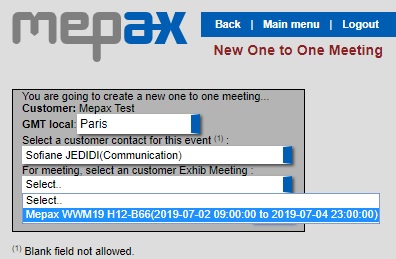
Now you can create your One to One meeting and select a customer Exhib Meeting as shown below, then click on -OK-.
Now you will be in your press event manager which looks like this.
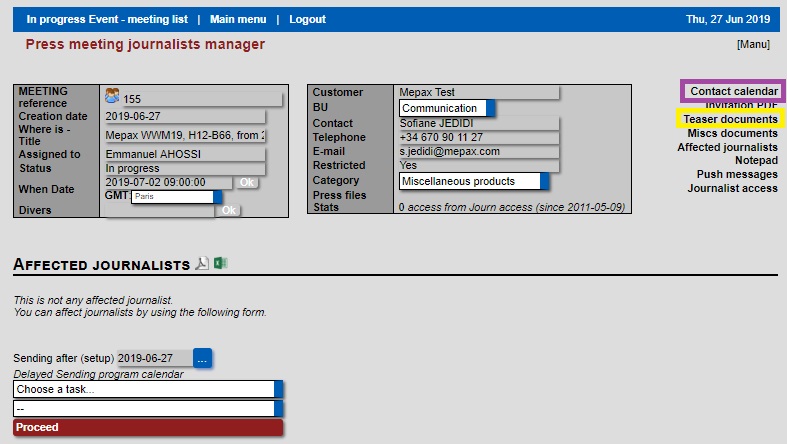
- Repeat the process detailed in the previous section to create your Teaser documents.
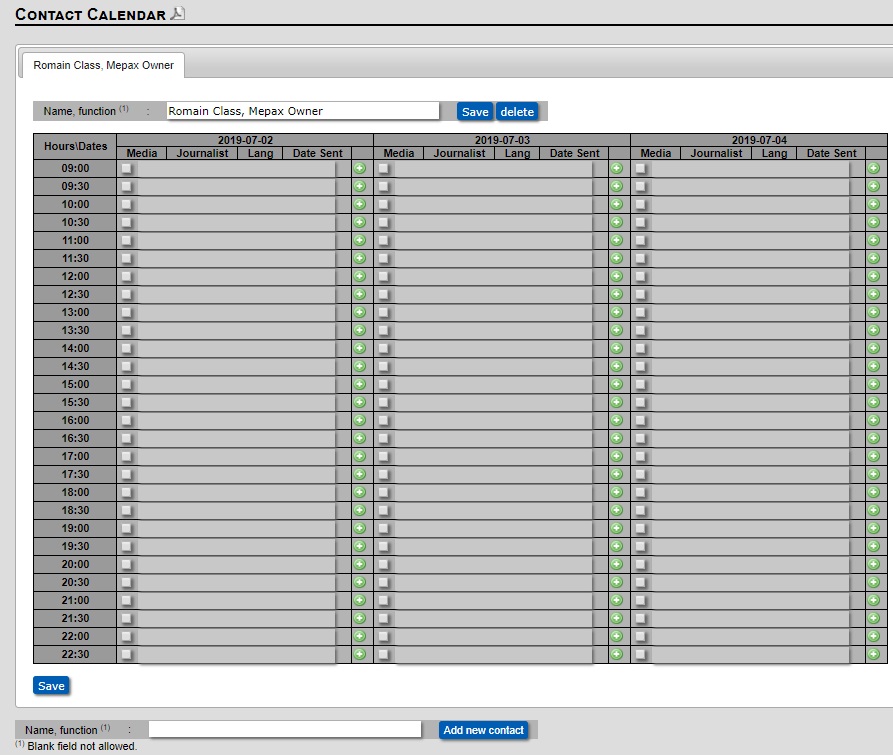
- In the Contact calendar field you must enter the name and function of the person who will be interviewed as shown below, then click on Add new contact.
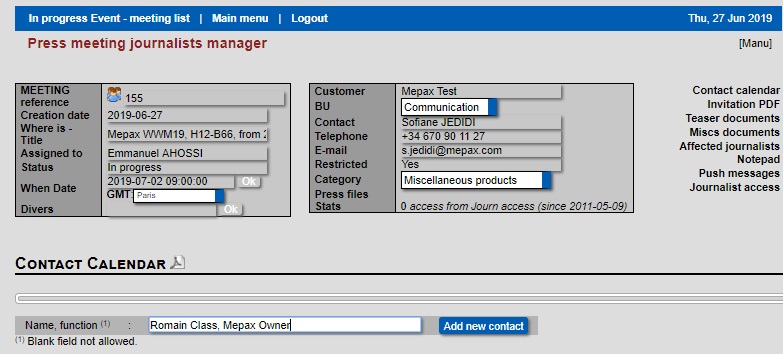
Your contact calendar is now created, at the bottom of the page you can add a second contact, if needed.
Now you have to create an affected journalists listing.