
Customer’s private access
Each of Mepax’s customers have private access which is placed in www.mepax.com under CUSTOMER ACCESS. You must always present the private access to your client. It is helpful for them because they can follow all the different activities we are working on for them.
How to find client’s Login/Username & Password in the database?
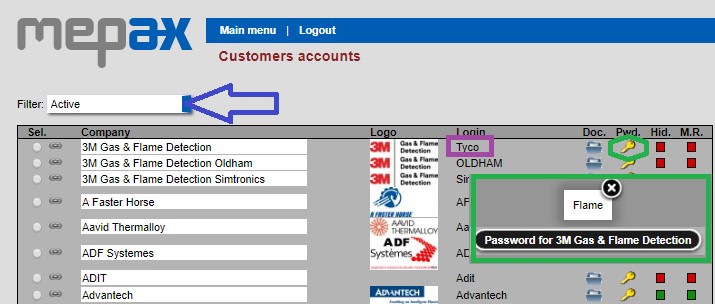
Please go to Main Menu, under Administration tasks, click on Customers (accounts). Once in Customers accounts, by scrolling in the drop-down box in blue you can filter the customers by categories: Active, Only observed or Inactive and All. In purple you can see the login and by clicking on the yellow keys a window will appear with their password as displayed in green.
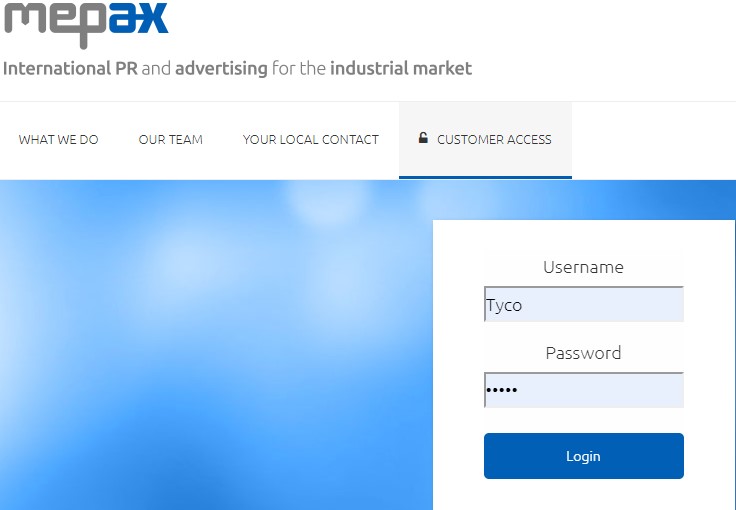
Now go to www.mepax.com under CUSTOMER ACCESS, fill in the access code and click on login in blue.
You are now in the main menu of your client private access.
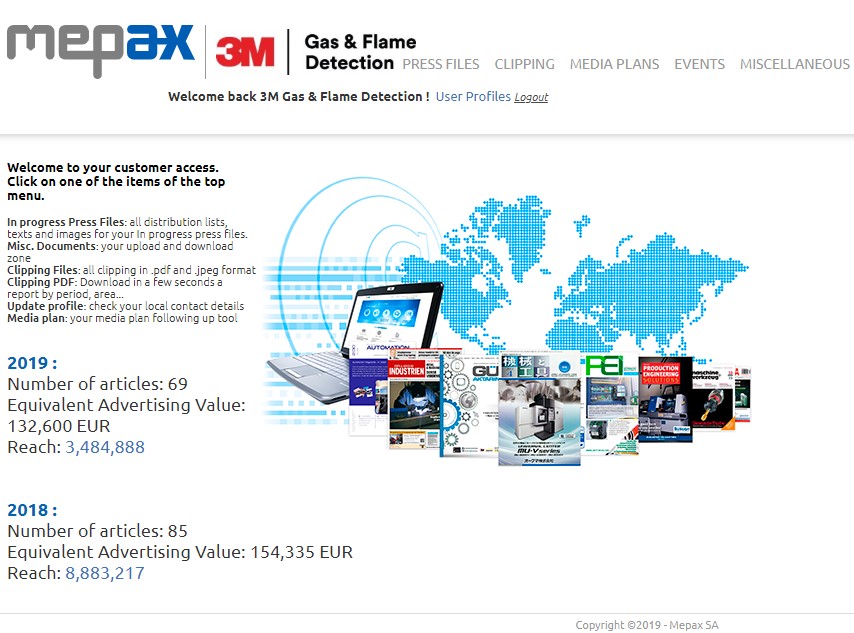
All the functions of the customer’s private access will be detailed in the next sections.